Week 4: Instructional Design

Analysis, Instructional Design, Lecture Review

In our daily lives, we are constantly following instructions. Whether it using a parking meter, the washing machine or cooking at home, we are surrounded by this type of design. It can be crucial in certain disciplines, like medical diagrams or airplane evacuation pamphlets. These types of instructional designs, like all, must carefully consider the audience, their background and presumed knowledge. This a reoccurring feature of design work, the user drives the design. As explained by Alberto Cario, the 4 main types of interaction include:

  • Instruction – (most basic means)
  • Conversation – (back and forth dialogue – SIRI)
  • Manipulation – (drag and drop – alters the appearance)
  • Exploration – (games)

Waterson, S. (2019). GDIDMPOD04a [Online Lecture]. Retrieved from https://vimeo.com/319375981

Week 1: Intro to Interaction Design

Analysis, Interaction Design, Lecture Review

Interaction is the direct involvement with something. Interaction design relates to the aspects of the interface that the user clicks on or receives feedback from in some way (think: a button that leads them to another page is an interaction). When done properly, interaction design lifts the users experience. By providing instant feedback, through links, buttons and animation, the user is drawn to the site and more likely to stay longer. Interactions need to be thoroughly thought out and planned. Unnecessary interactions can be distracting or confusing. Interaction designers need to consider who they are designing for, their context and prior knowledge.

Designer, Bill Verplank believes the 3 questions to ask are:

how do you do? (act)
(the client does something and we provide the tools)

how do you feel? (think)
(we provide the platform that we think is best suited – control the machine to give them feedback)

how do you know?
(what kind of knowledge do we expect of our users – how can we best guide them)

Sharp, Rogers and Preece, (2002) Interaction Design, John Wiley & Sons, Inc. New York, NY, USA.

Interactivity is something that responds to an action. Types of common interactivity include: phones, websites, conversations and the 5 senses (things we can see, touch, smell, taste, hear). Interactions can be small and almost unrecognisable or explicit. It is most important to understand who you are designing for, once you understand the user, a designer can better plan and create accordingly.

Waterson, S. (2019). GDIDMPOD01a [Online Lecture]. Retrieved from  https://vimeo.com/319375480

Interactivity

Interaction Design, Lecture Review

Interactivity, more specifically interactive design, takes on many forms and relates to any ways in which humans respond to any type of media that require a response or action. This can be as simple as a conversation between two people or the use of a responsive app or website that demands the users input in order to work effectively. Bill Verplank, describes role of interaction design as ‘design for people who act on the world around them and receive feedback’. He considers the role of an interaction designer is to ask 3 questions, how do we act, how do we think or feel and how do we know. Similarly, Gillian Crampton Smith, believes that the designer must first know their audience to design accordingly for their needs. The designer must think for the user and plan interactions based off how the information will be received most effectively. Thus, it is vital for a designer to know how a range of people behave and what preconceived ideas they already have to be able to provide the tools they need and design a platform that connects the user and the information successfully.

Waterson, S. (2019). GDIDMPOD01a [Online Lecture]. Retrieved from  https://vimeo.com/319375480reference:

Precedents

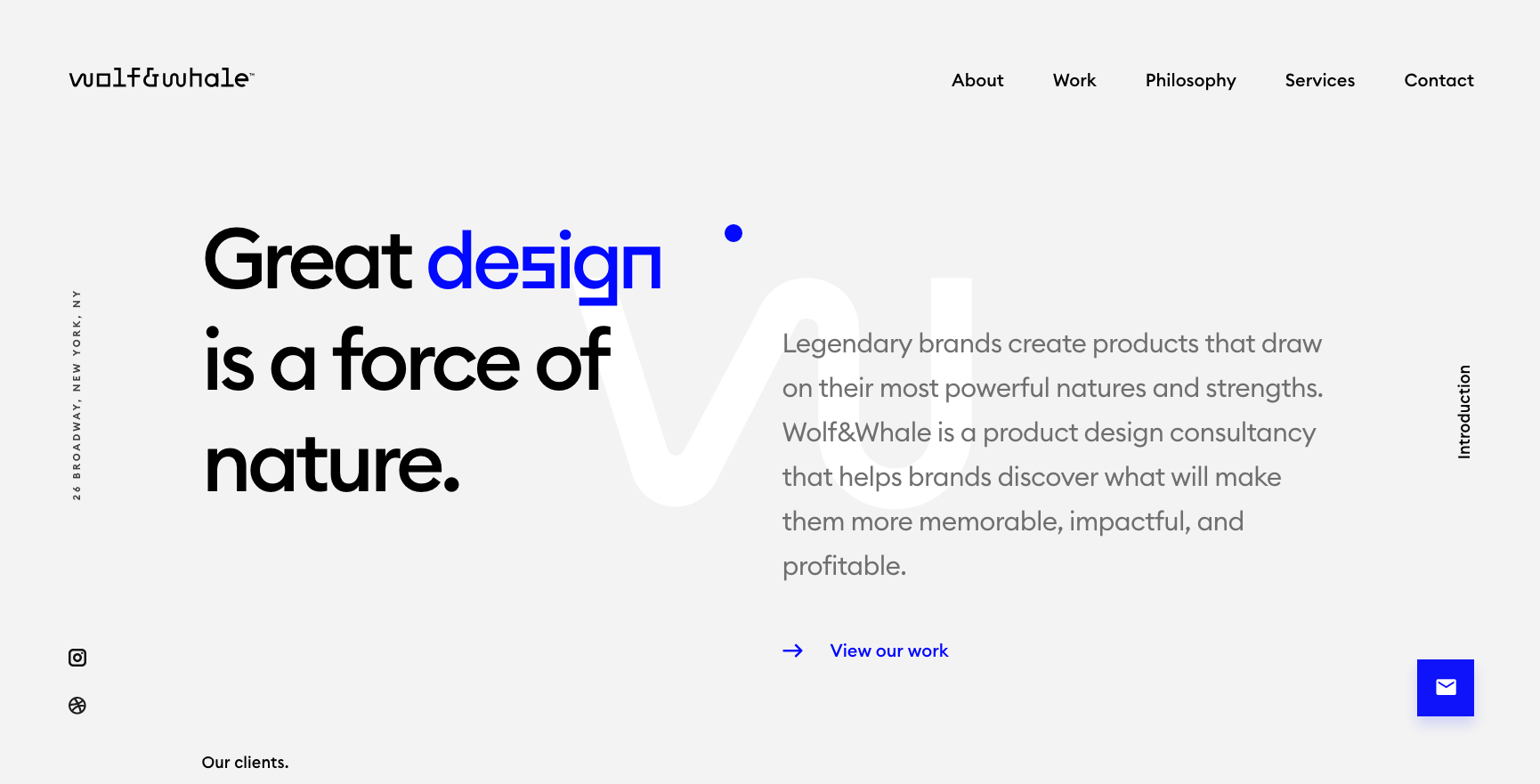
Wolf Whale. (2019). Design Agency. Retrieved from http://www.wolfwhale.com/
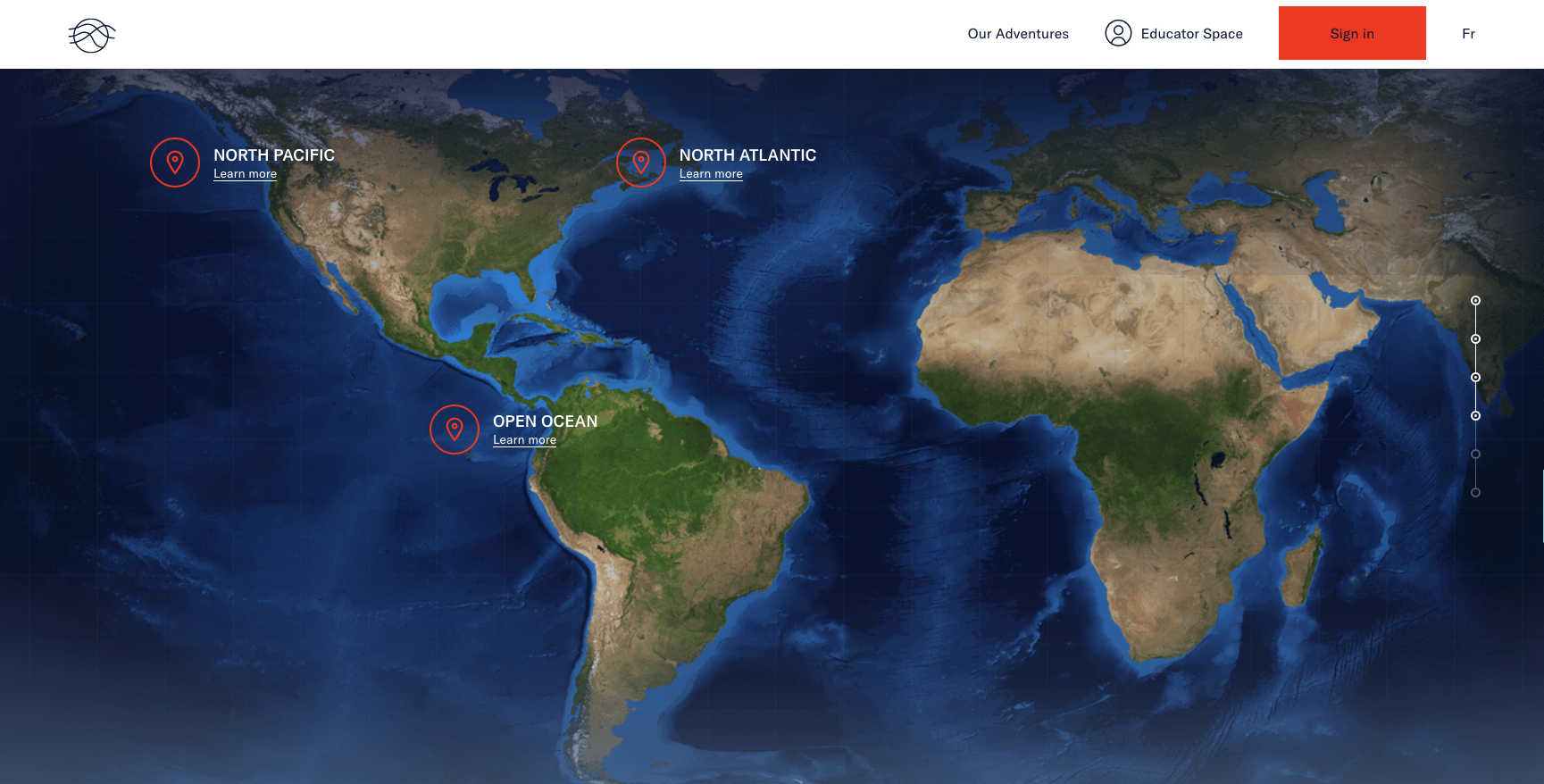
Ocean School. (2019). Documentary Agency. Retrieved from https://oceanschool.nfb.ca/
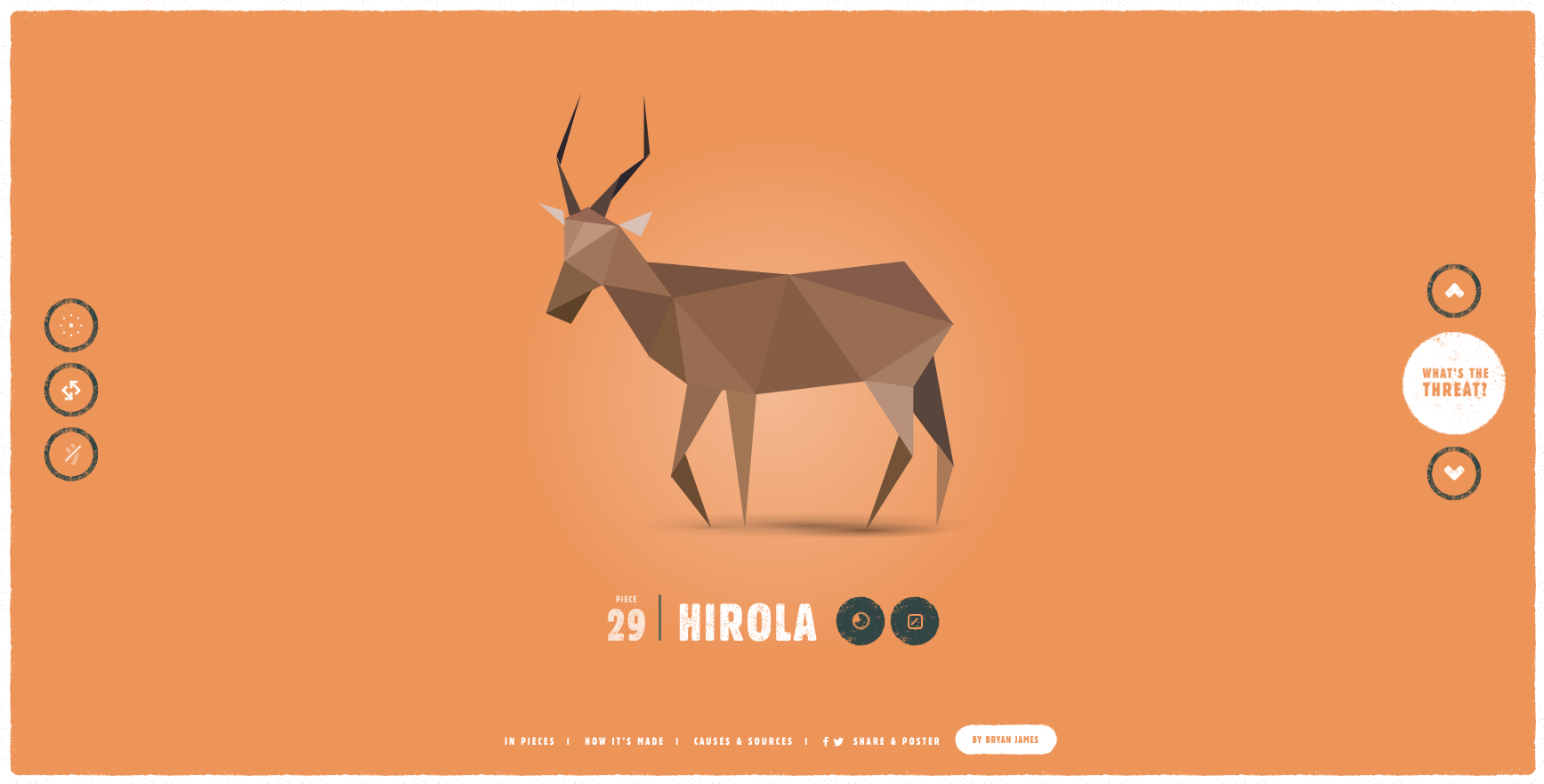
In Pieces. (2019). Documentary Agency. Retrieved from http://species-in-pieces.com/

All 3 of these sites utilise a long scroll feature and animation. They require the user to scroll to reveal new information and click on targeted points on the screen. The animations invite the user to expect more as they navigate through the site. These types of interaction are simple and short but capture the users attention. Each use a progress bar on the right hand side of the interface which implies the user would expect to see this here. These user interfaces are a perfect examples of successful interaction design.