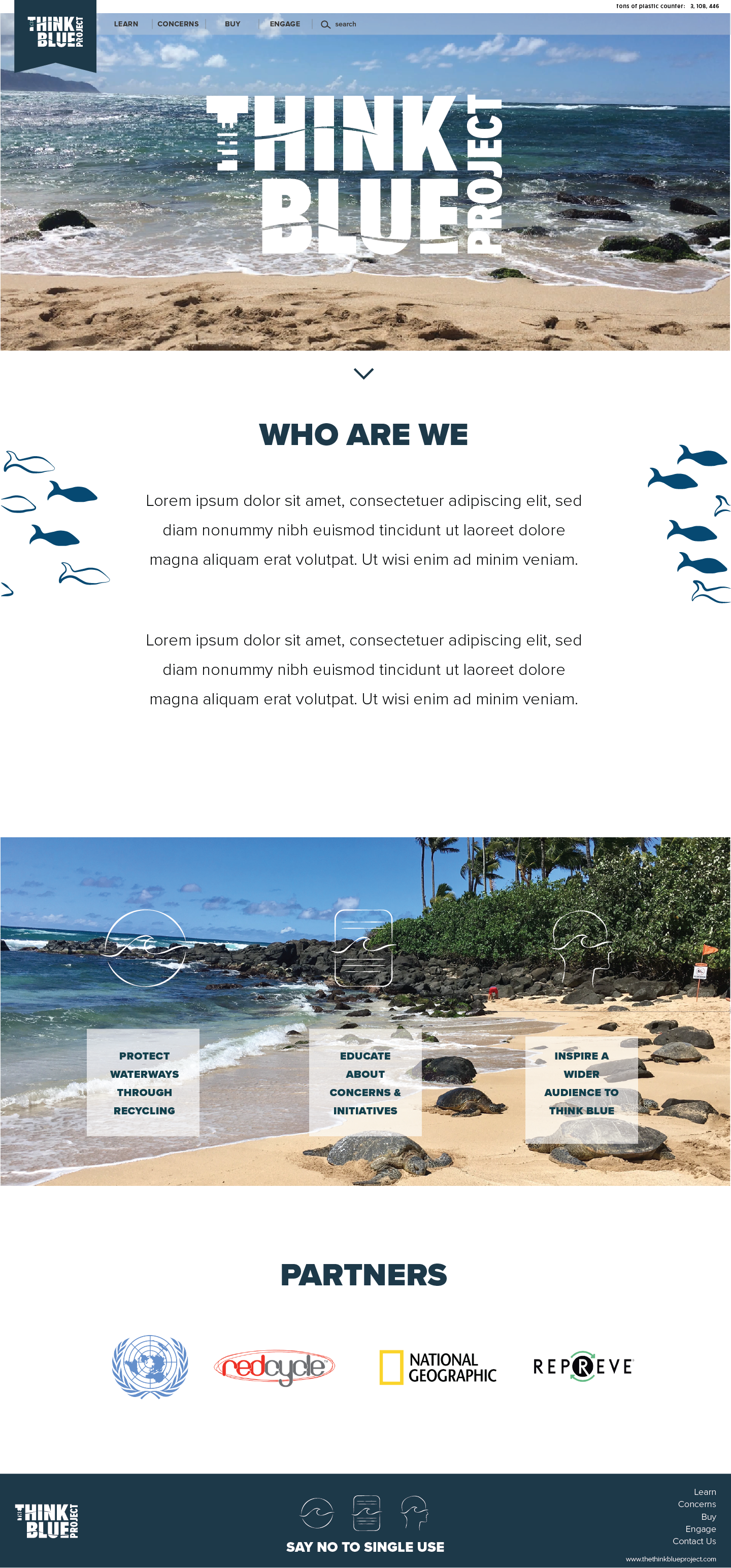
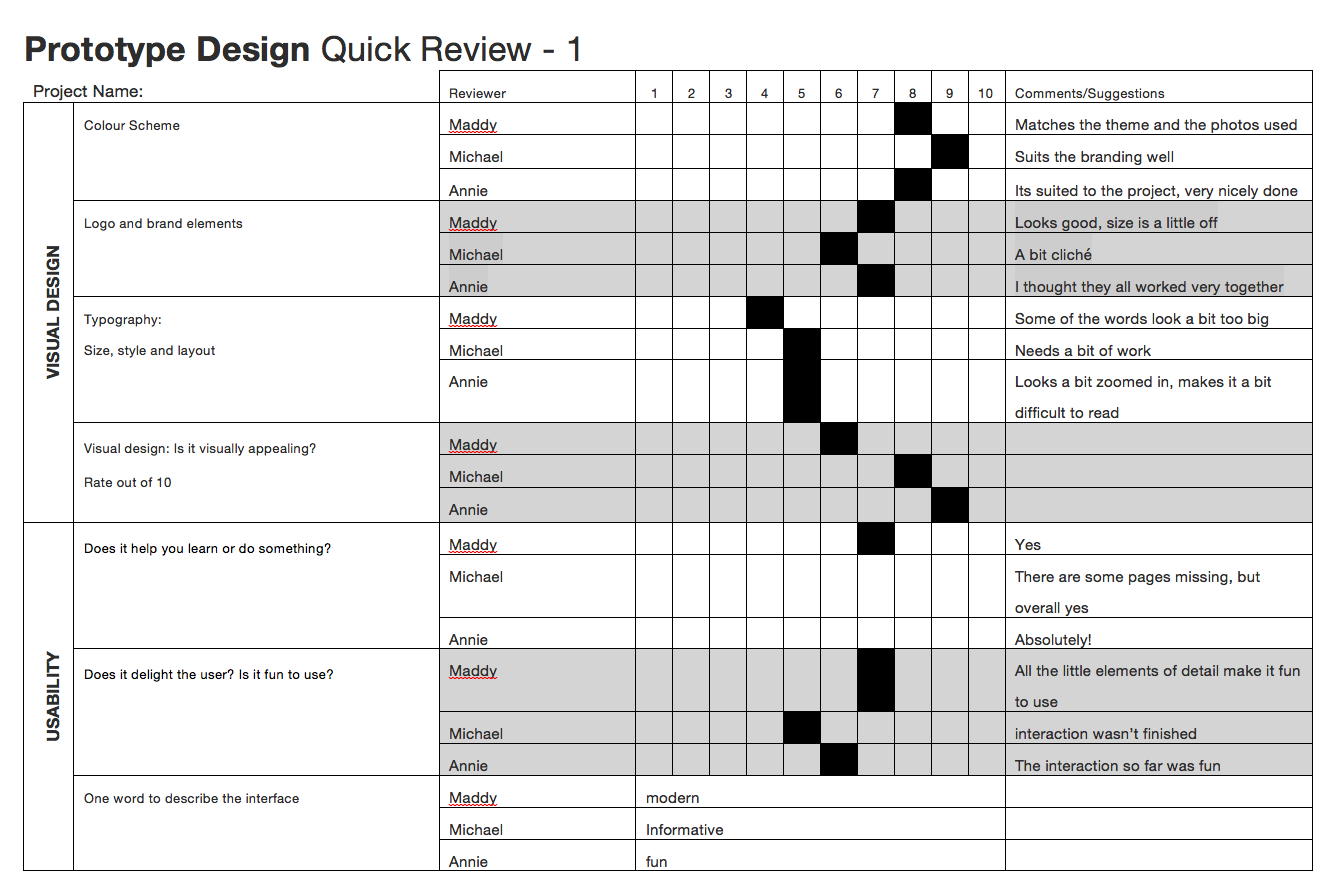
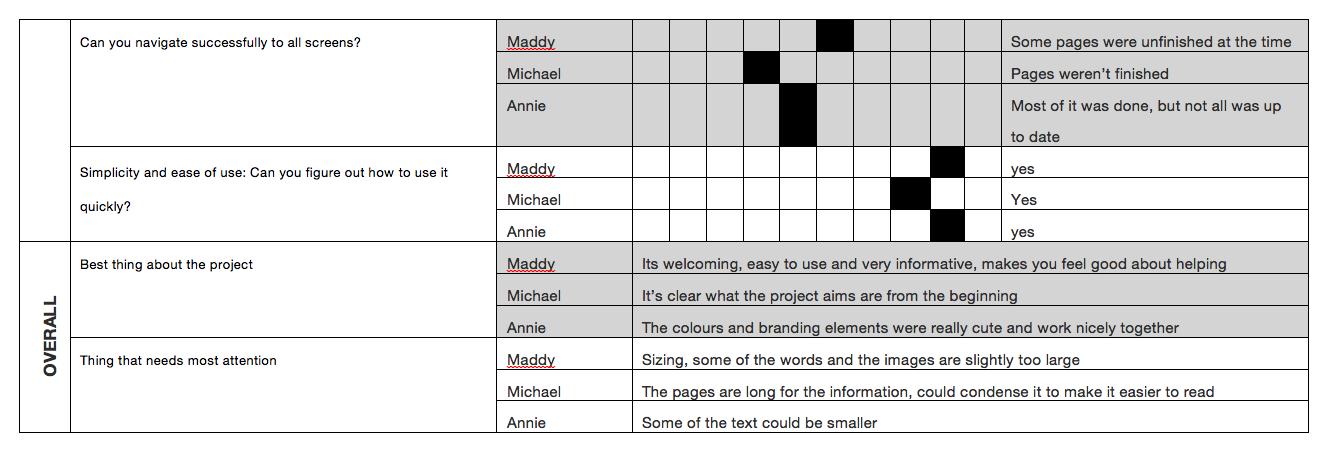
Instruction design refers to any form of written or visual communication that assists someone to complete a task or explain how something works. Instructional designers must carefully consider their audience when designing any form of instruction. Things to consider are the type of imagery that’s used, how much text is needed, if any (think IKEA) and how easy it will be remembered. When creating instructional designs, simple illustration is preferred over photographs as they can clutter the end result. The spilt attention effect, explains how people recall information. Visual elements are easier to remember however, if overloaded with visuals, textual instruction and separate legends to understand the images, the person will more likely forget.
Waterson, S. (2019). GDIDMPOD04a [Online Lecture]. Retrieved from https://vimeo.com/319375981


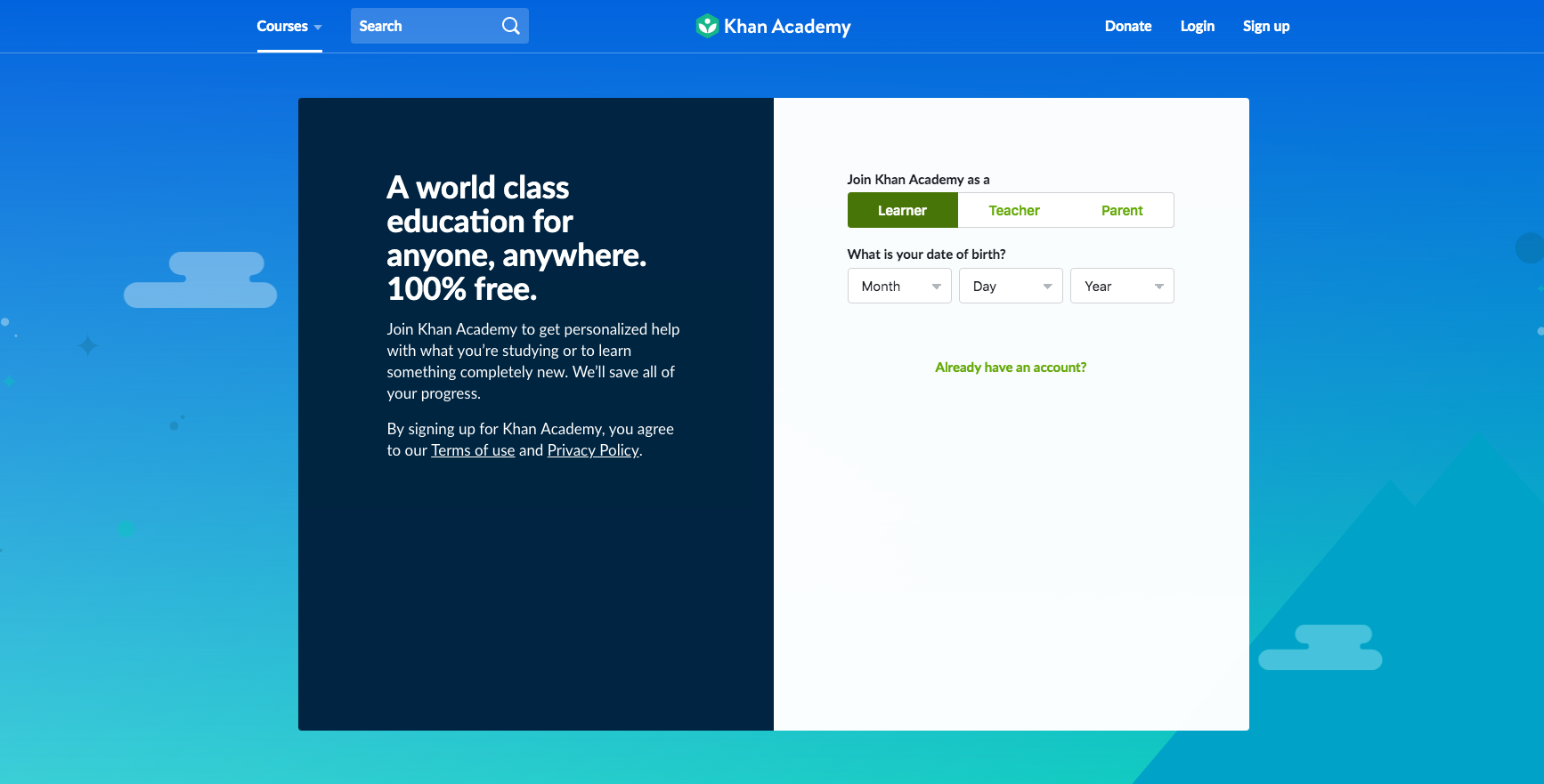
These 3 examples of instructional / informational web design include the use of cards and forms. They include written directions which lead to graphics to help explain. They are primarily educational sources which aim to teach. The absence of photography is clear with these precedents as they would over complicate the instructions. They are effective examples as they use simplistic colour palettes and the focus is evident from the moment the user opens the site.
In our daily lives, we are constantly following instructions. Whether it using a parking meter, the washing machine or cooking at home, we are surrounded by this type of design. It can be crucial in certain disciplines, like medical diagrams or airplane evacuation pamphlets. These types of instructional designs, like all, must carefully consider the audience, their background and presumed knowledge. This a reoccurring feature of design work, the user drives the design. As explained by Alberto Cario, the 4 main types of interaction include:

Waterson, S. (2019). GDIDMPOD04a [Online Lecture]. Retrieved from https://vimeo.com/319375981
Interaction is the direct involvement with something. Interaction design relates to the aspects of the interface that the user clicks on or receives feedback from in some way (think: a button that leads them to another page is an interaction). When done properly, interaction design lifts the users experience. By providing instant feedback, through links, buttons and animation, the user is drawn to the site and more likely to stay longer. Interactions need to be thoroughly thought out and planned. Unnecessary interactions can be distracting or confusing. Interaction designers need to consider who they are designing for, their context and prior knowledge.
Designer, Bill Verplank believes the 3 questions to ask are:
how do you do? (act)
(the client does something and we provide the tools)
how do you feel? (think)
(we provide the platform that we think is best suited – control the machine to give them feedback)
how do you know?
(what kind of knowledge do we expect of our users – how can we best guide them)
Sharp, Rogers and Preece, (2002) Interaction Design, John Wiley & Sons, Inc. New York, NY, USA.
Interactivity is something that responds to an action. Types of common interactivity include: phones, websites, conversations and the 5 senses (things we can see, touch, smell, taste, hear). Interactions can be small and almost unrecognisable or explicit. It is most important to understand who you are designing for, once you understand the user, a designer can better plan and create accordingly.
Waterson, S. (2019). GDIDMPOD01a [Online Lecture]. Retrieved from https://vimeo.com/319375480
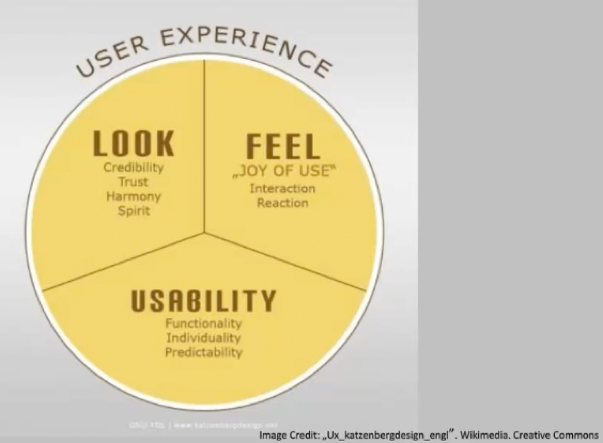
User Interface (UI) is often mistaken for the visual design appearance of a site. In reality the UI is the presentation, format and layout of the tools and information – it is the structure or bones of a site. Designers need to consider how the user will interact with the site and design according to those needs. UI needs to be familiar to an extent, if the interface is new and unusual the user may get confused, lose interest and leave the site. It should require effortless navigation and interactivity by the user, which has been carefully planned mapped.
The User Interface (UI) should heighten the User Experience (UX)
Tabs
Drop Down
Search bar with dropdown
Big footer
Home
Breadcrumbs
Content nav patterns:
Carousel
Tags
Waterson, S. (2019). GDIDMPOD07a [Online Lecture]. Retrieved from https://vimeo.com/319376545
After successfully creating user personas, the next step in the design process is developing user scenarios. These scenarios depict how the intended user will interact with the product or site. If done properly it should identify points that stand out to the user, what things they would look for, and should identify problems and solutions before a final product is released. The process includes mapping out the direct path the user would take when using your product. This process should be done multiple times and should question every decision and aspect of the product.
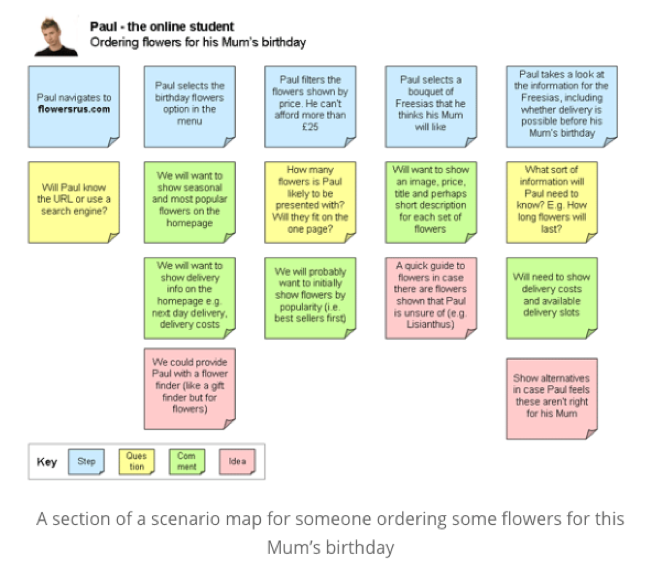
Scenarios are effective in highlighting hierarchy and points of interest in the site. They give designers an idea of what the user would expect to see at certain times throughout their process. Designers should also consider the context in which the user will be interacting with the product. This process is important to solve potential problems as well as attempting to view the product through objective eyes. When a designer is creating, it can be difficult to isolate themselves from the product they are immersed in. A user scenario helps to unveil this objective experience.
Waterson, S. (2019). GDIDMPOD06a [Online Lecture]. Retrieved from https://vimeo.com/319376412
User personas are fictional characters that reflect real users. They are not an exaggeration but a true representation of hypothesised group. When creating personas, it is important to use informed research or knowledge of the intended user base. They should specify goals, behaviours, skills, environmental factors, attitudes, likes and dislikes. During this process the expectations of the users should be outlined as well.
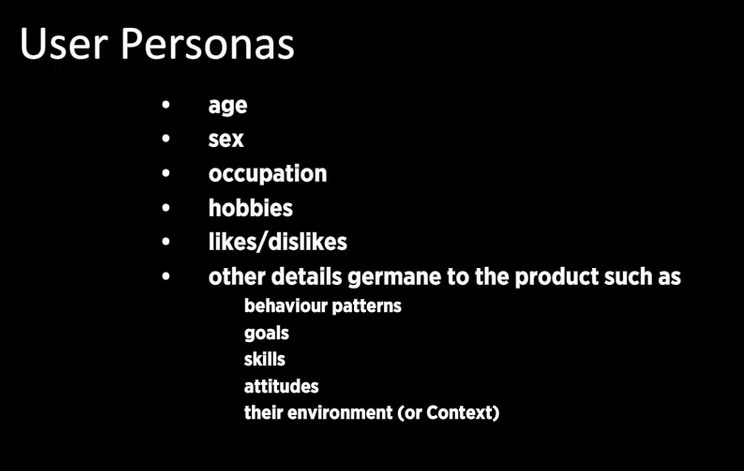
The most important thing to consider when creating a persona is to be true to the task. If you have created an exaggerated persona who fits the criteria perfectly you will not get effective or informative feedback. Designers must consider all aspects of the targeted audience and aim to create solutions to best suit these needs, however, understand that the perfect client or user does not generally exist in the real world.
Artefact personas are a direct representation of the project. They help to create an identity and ‘keep things objective’. Consider questions like:
Waterson, S. (2019). GDIDMPOD05a [Online Lecture]. Retrieved from https://vimeo.com/319376412
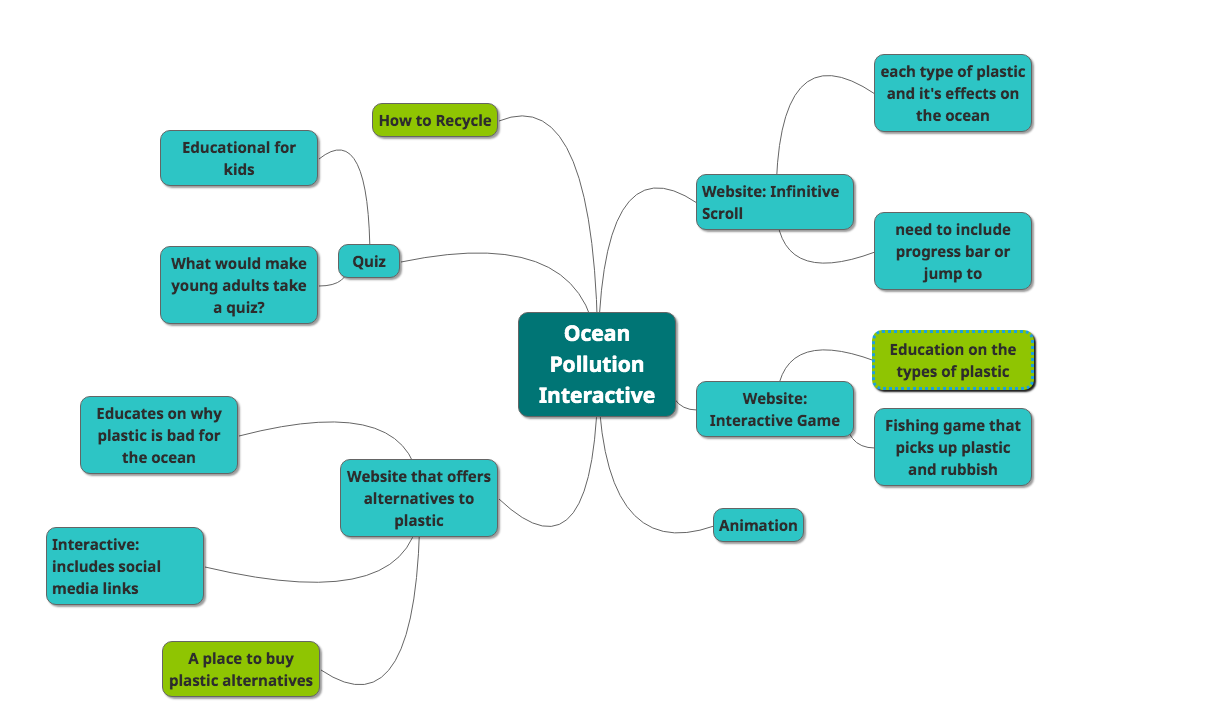


Design patterns are a starting point for all user interaction planning. As Christopher Alexander, author of ‘A Pattern Language’ mentions, “patterns are hypotheses… free to evolve under the impact of new experiences and observation”. This implies that any design patterns must be altered to suit the aims of the project and the needs of the user. They provide a basic platform for which the designer is responsible to build upon. A new movement, mobile first, suggests that designing for a smaller device first means the adaption to a larger desktop would be easier. The lecture continues to review the most popular design patterns for desktop screens, which are as follows:
UI Pattern Proliferation
Hamburger

Hamburger Menu Icon [Image] Retrieved 2019, May 15 from https://uxplanet.org/the-ultimate-guide-to-the-hamburger-menu-and-its-alternatives-e2da8dc7f1db
Account Registration
Long Scroll
Card Layouts
Hero Images

National Geographic. (2019). Documentary Agency. Retrieved from https://www.nationalgeographic.com/
Animation
Loading animations

Loading Animation [Image] Retrieved 2019, May 15 from https://codemyui.com/git-kraken-inspired-rotate-loading-animation/
Navigation and menus (non scrolling animations)
Hover animations
Gallery and slideshow animations
Motion animation
Scrolling and background animation
Material Design
Responsive Design
Flat Design
Alexander, C. (1977). A pattern language. Oxford, England: Oxford University Press.
Waterson, S. (2019). GDIDMPOD03a [Online Lecture]. Retrieved from https://vimeo.com/319375751
 Interactive Design Media